Precision reading controls
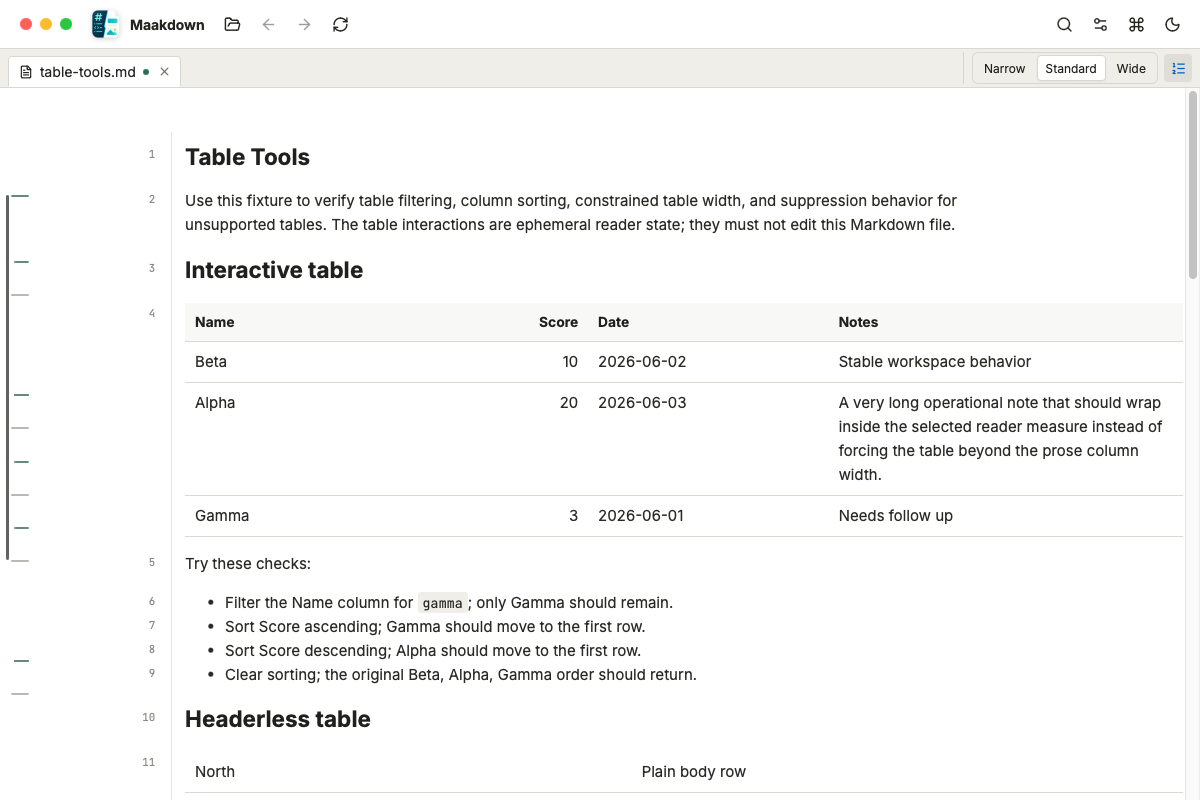
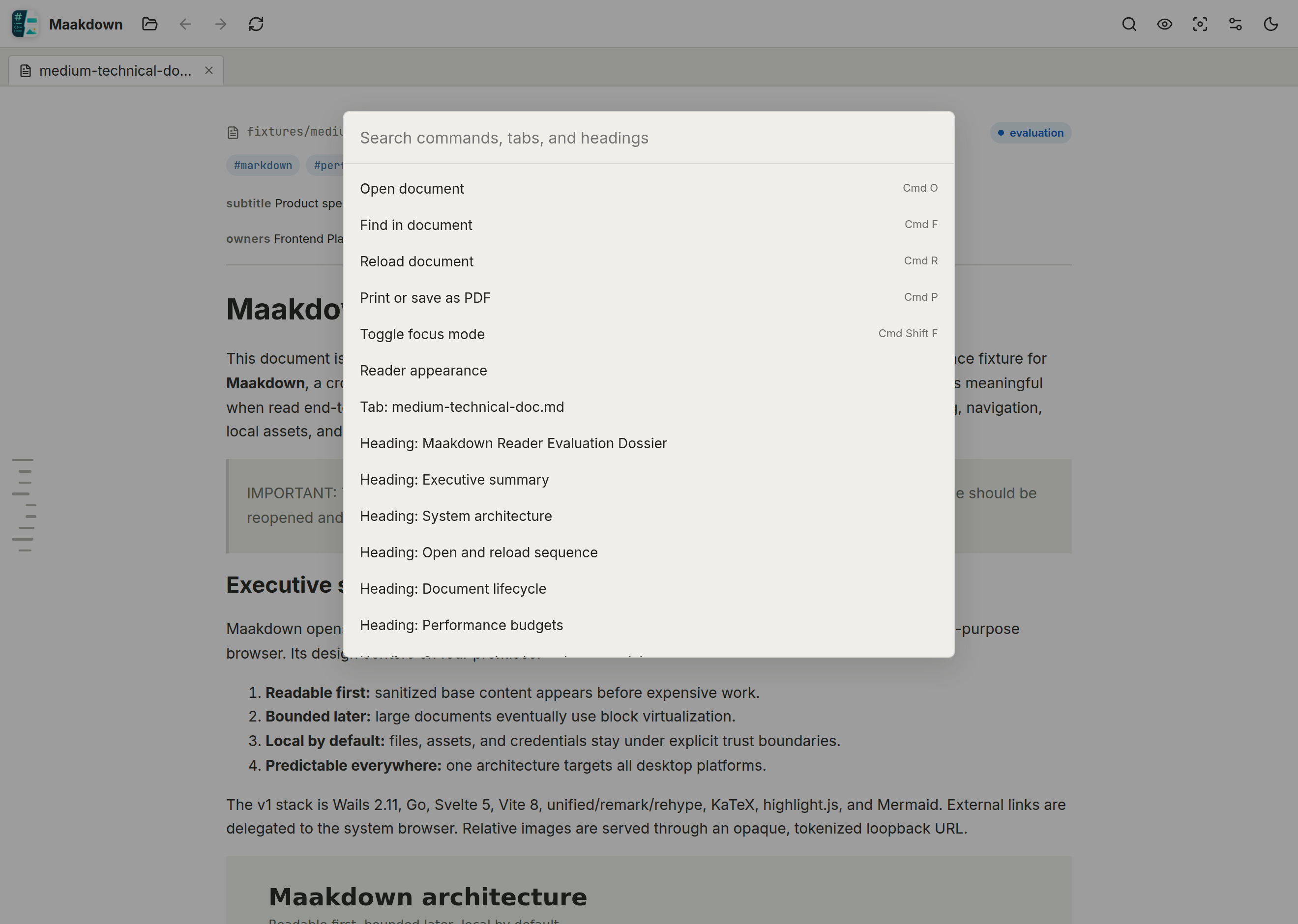
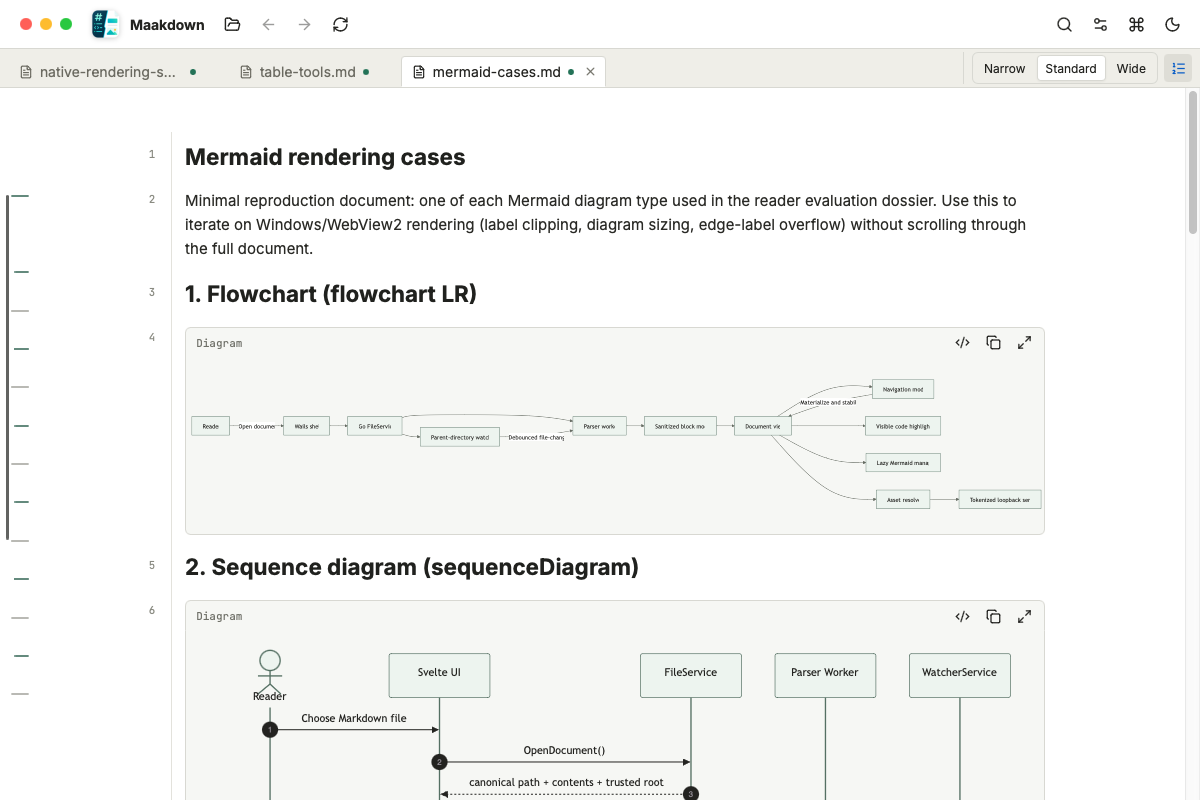
Change the reading measure or show semantic document line numbers from the tab bar, then jump to any reader line from the command palette.
Fast on massive files
A virtualized reader keeps 10,000-line documents scrolling smoothly and light on memory.
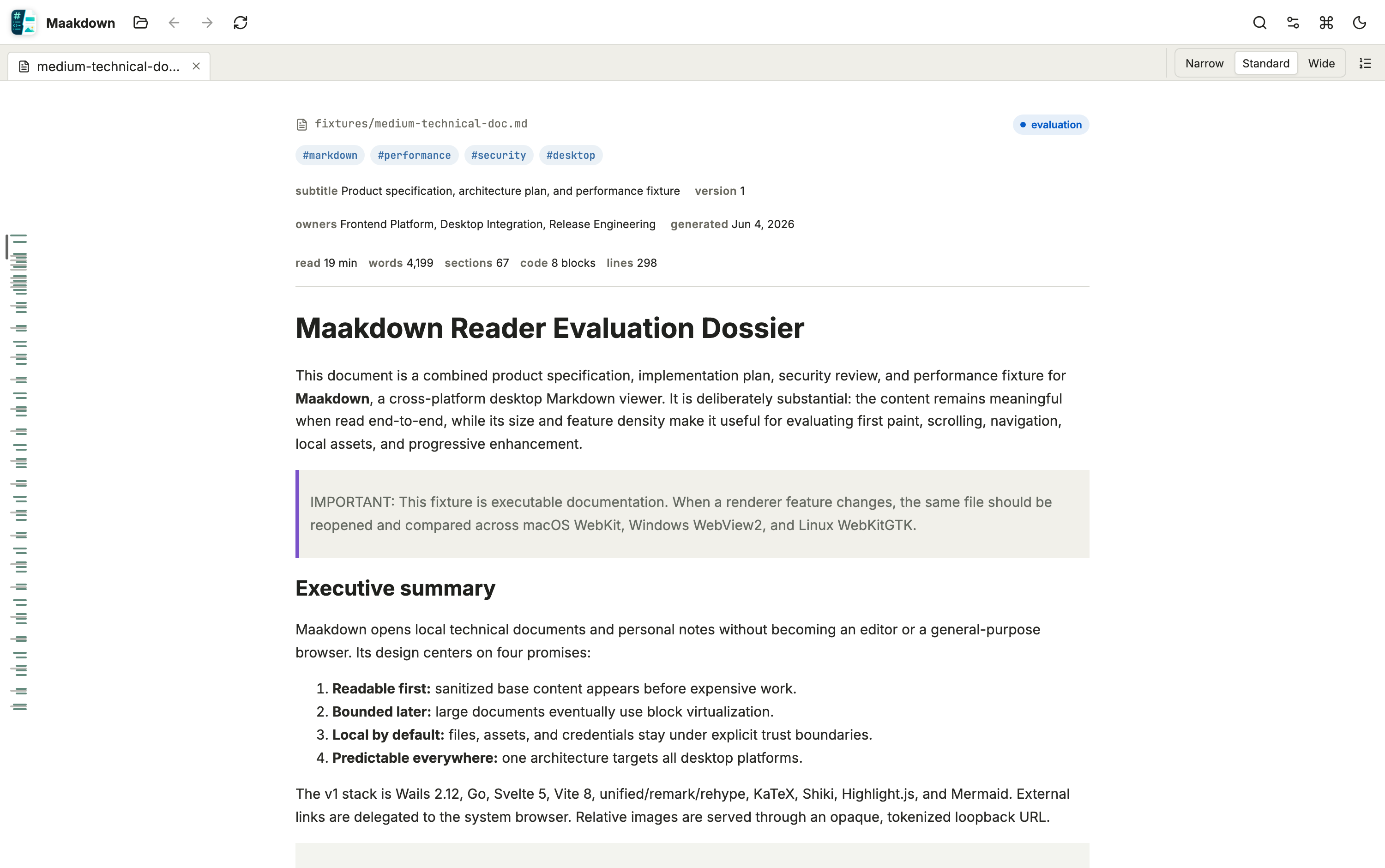
Text appears instantly; code highlighting, math, and diagrams fill in as you read.
Built for technical documents
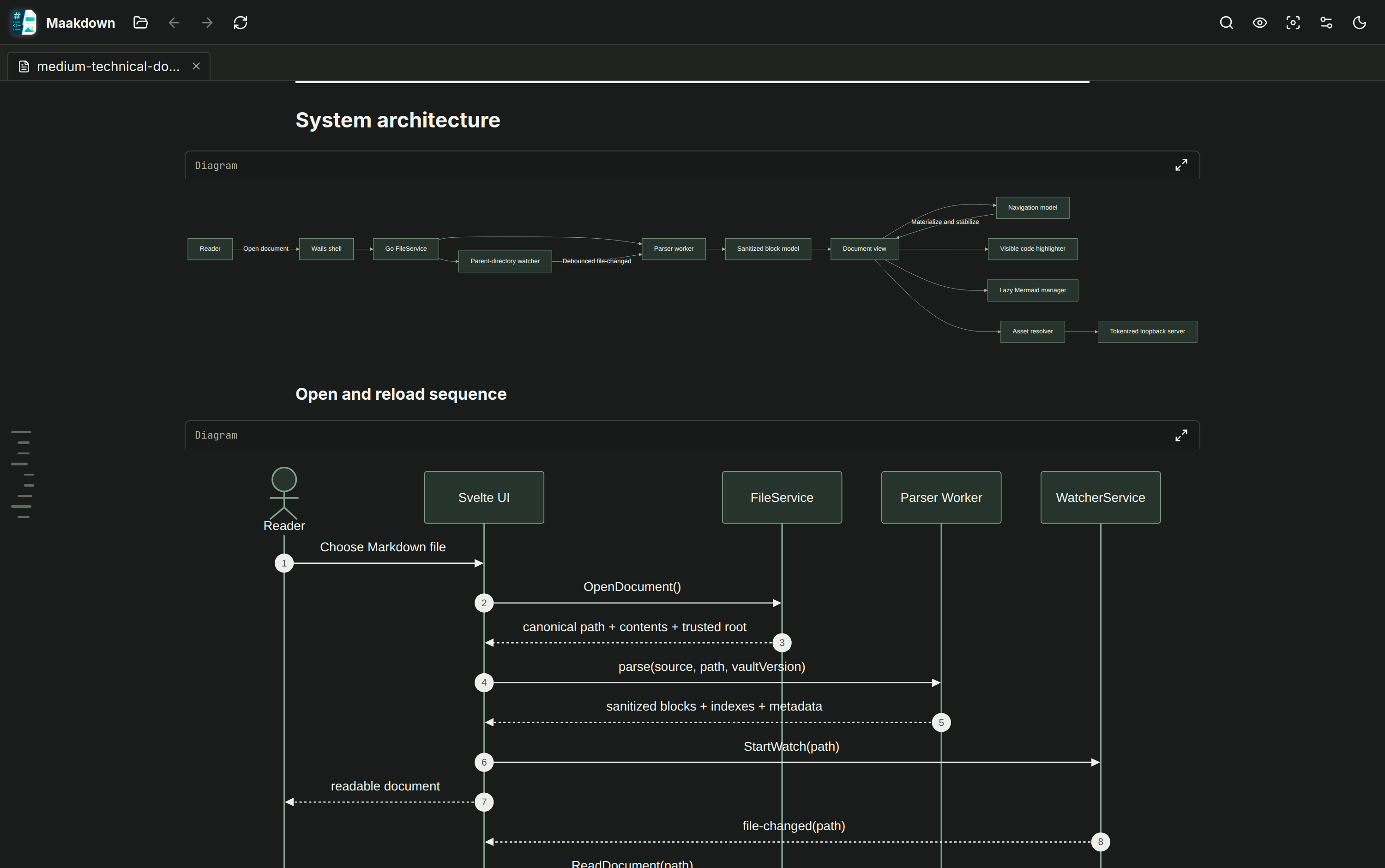
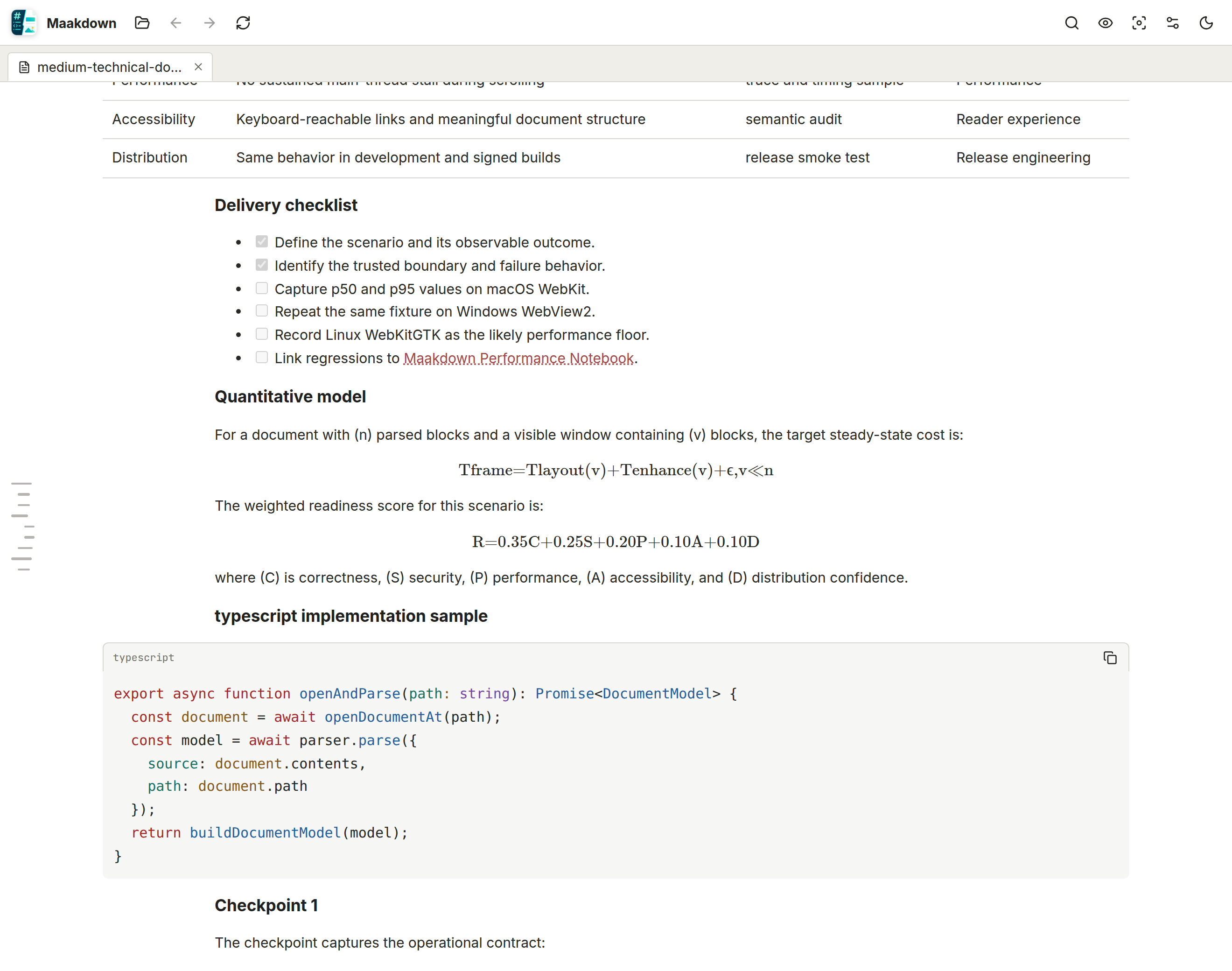
Shiki-highlighted code, KaTeX math, Mermaid diagrams, GFM tables, task lists, callouts,
footnotes, and local images all just work — safely sanitized.
Tables made readable
Constrained columns, row numbers, sorting, type-aware filters, and active chips make dense Markdown tables easier to scan without changing the source file.
Made for working across notes
Tabs, recent files, drag-and-drop, wikilinks between notes, full-document search, a
command palette, and a session that restores itself on relaunch.
Local-first & private
A reader, not a cloud app: no account, no telemetry, works offline. Print or export to
PDF whenever you need a copy to share.
Open source
MIT-licensed, built with Go (Wails) and Svelte. Issues, ideas, and pull requests are
welcome on GitHub.